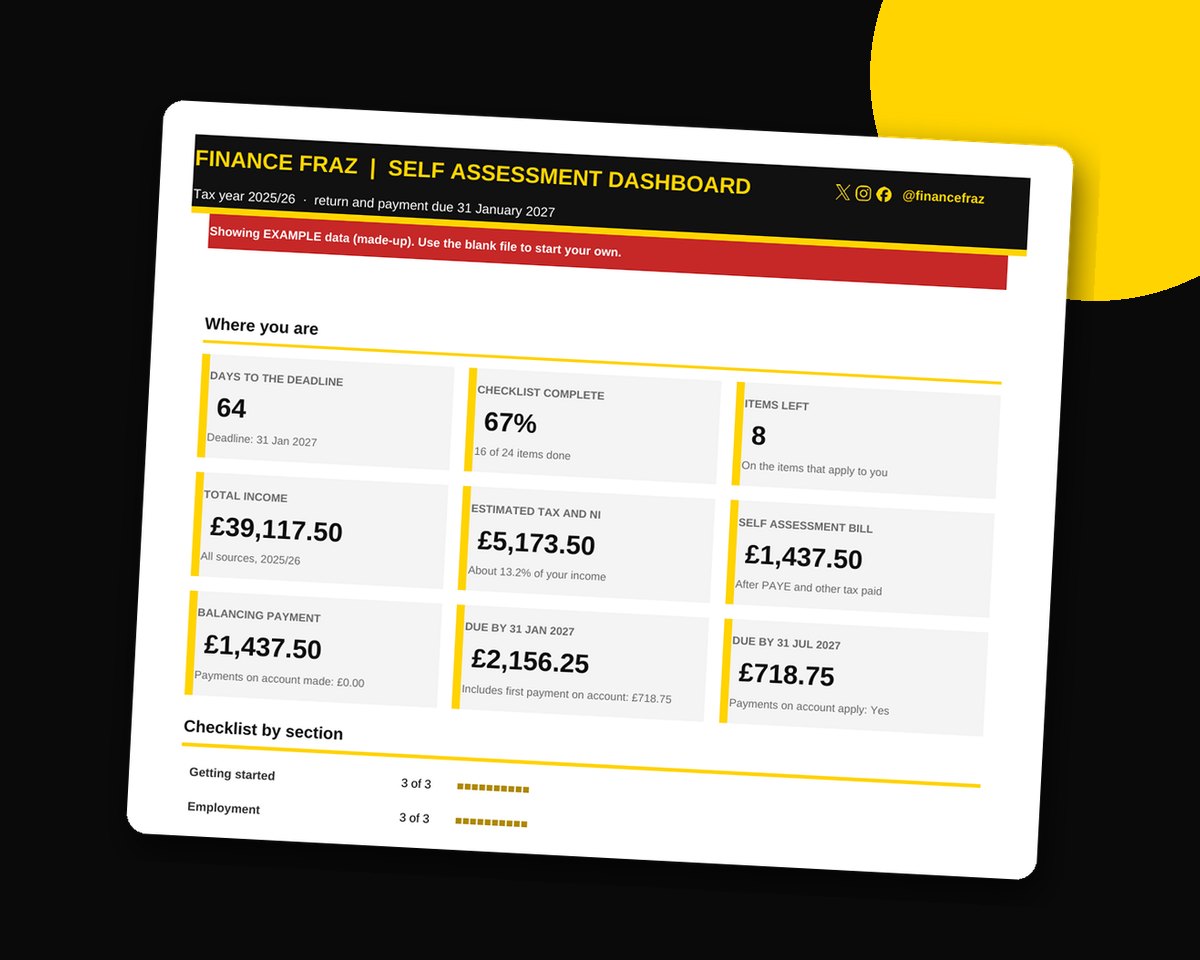
Self Assessment Prep Pack 2025/26
Self Assessment due 31 January 2027 and not sure where to start? I built this to get you ready, in order.
Tick off a checklist of what to gather, type in your income, and the sheet gives you a rough tax bill. It also shows what you'd pay on 31 January and 31 July, so there are no nasty surprises.
It's built for people with a bit of everything: a job, a side hustle, some savings interest, a few dividends.
Not on sale yet. Join the newsletter and you'll hear the moment it's live.
Tell me when it's out →What you get
- Blank version, ready to use
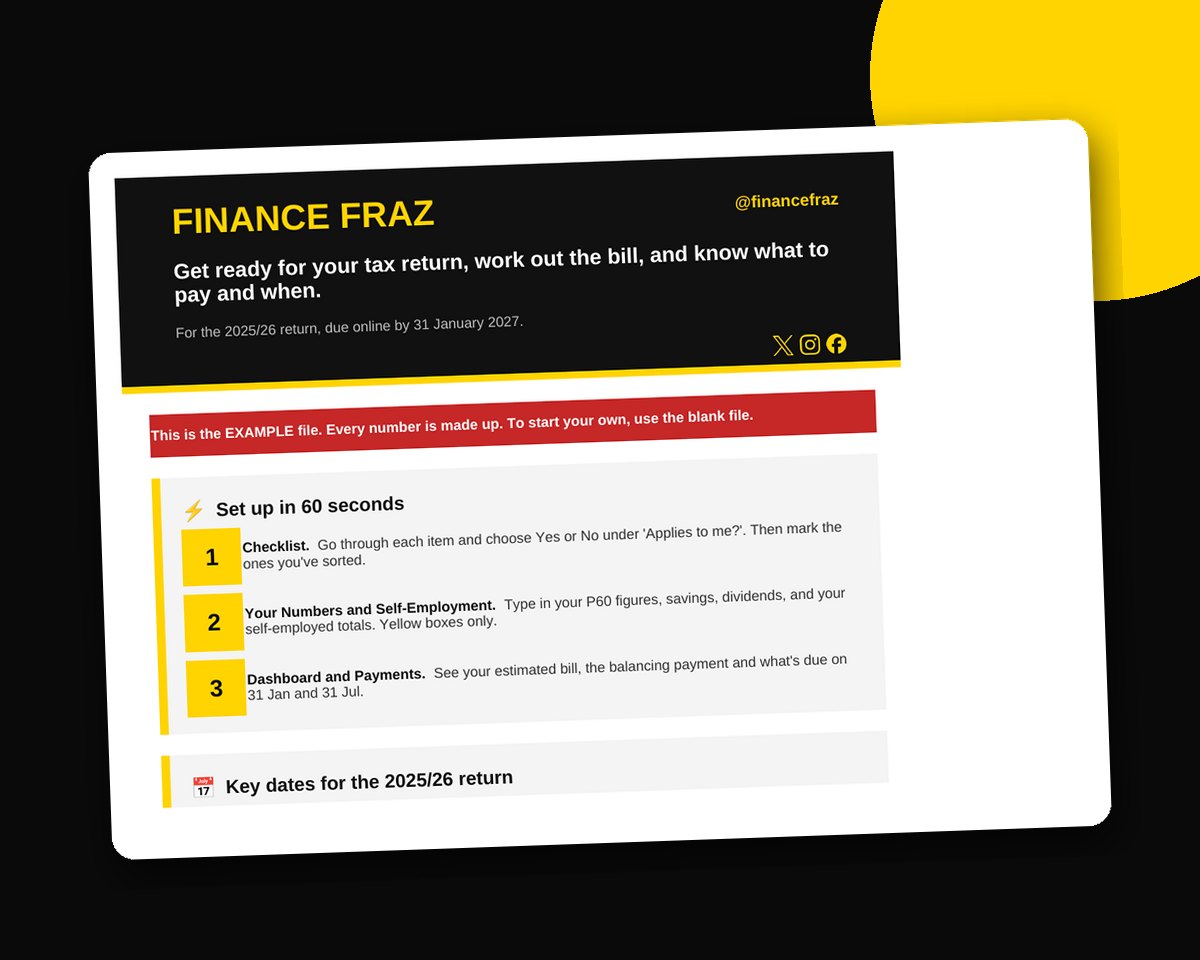
- Example version with made-up figures, so you can see how it works first
- Start Here tab with a 60-second setup
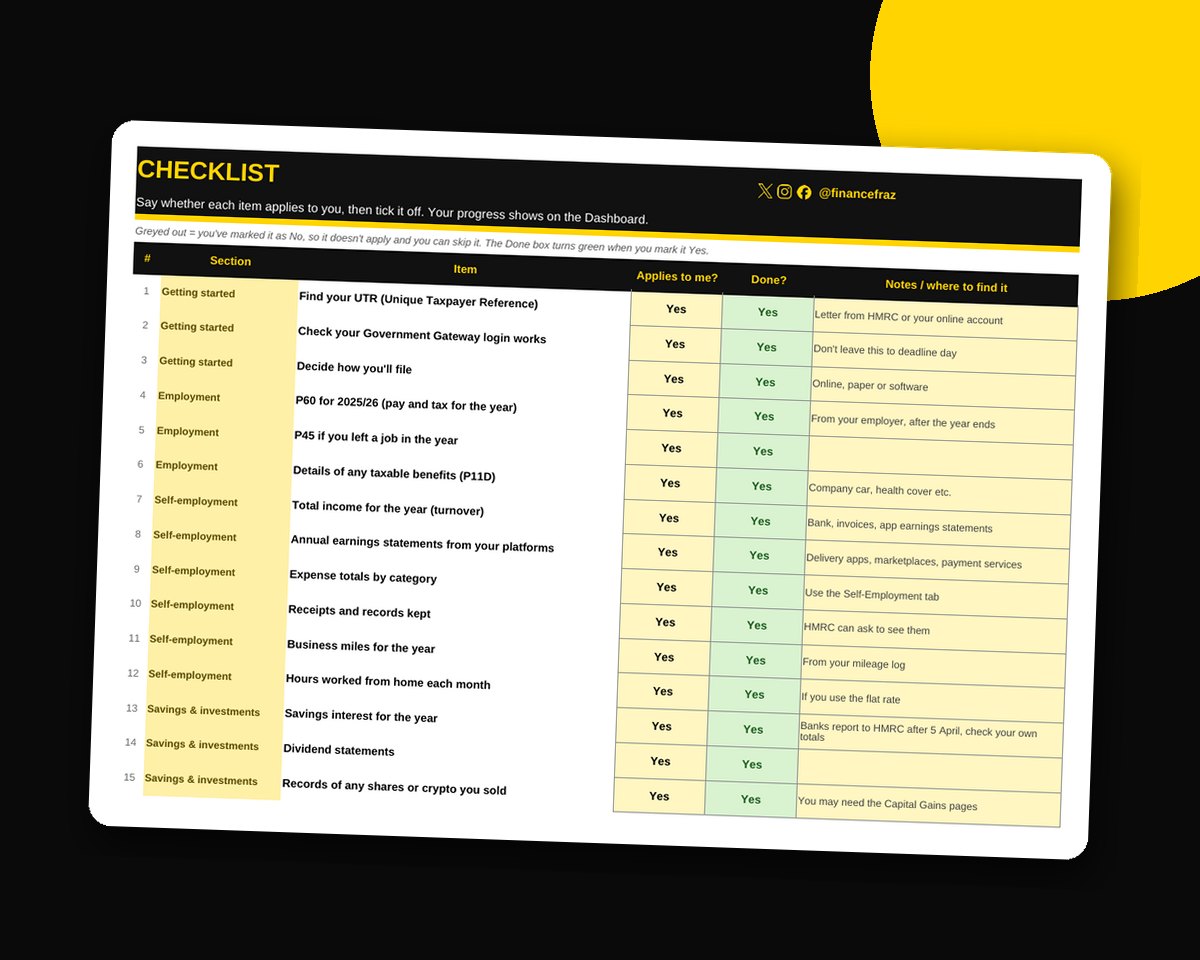
- Checklist of 24 jobs, grouped from getting started to filing. Say what applies to you and it tracks your progress
- Your Numbers tab for pay and tax from your P60, savings interest, dividends and self-employed income
- Self-employment tab with expenses, mileage and the working-from-home flat rate. It picks the trading allowance or your actual expenses, whichever is better for you
- Estimated Income Tax, Class 4 National Insurance and tax on savings and dividends
- Payments tab with your balancing payment, payments on account and key dates with a countdown
- Dashboard with the lot on one page
- Settings tab with every 2025/26 rate and a gov.uk link beside it
Good to know
Works in Google Sheets (upload it to Google Drive and open it) and in Excel. No macros.
This is the 2025/26 return edition. It uses England, Wales and Northern Ireland rates, so Scottish taxpayers should look elsewhere.
Not in the estimate: student loan, Capital Gains Tax, High Income Child Benefit Charge, pension tax relief, Gift Aid or trading losses. There's no rental calculator for landlords either.
It won't file your return. You still do that on gov.uk, with your software, or with an accountant.
For organisation and information only, not tax, legal or financial advice. Check gov.uk or an accountant.
Have a look inside
Screenshots use the example file with made-up numbers.
Want the next one first?
I'm building more spreadsheets. Newsletter readers hear about them before anyone else.
- Money saving tips and switching offers
- Investing, explained simply
- Side hustles, HMRC and tax allowances
No spam. Unsubscribe any time. Sent by Beehiiv.